Customising results window layout and headers
2 posts
Hi all,
First off, I love Network Scanner. I use it all the time and the Friendly Names import keyed on MAC address has made device identification so much quicker.
I have a couple of questions about the layout of the results window:
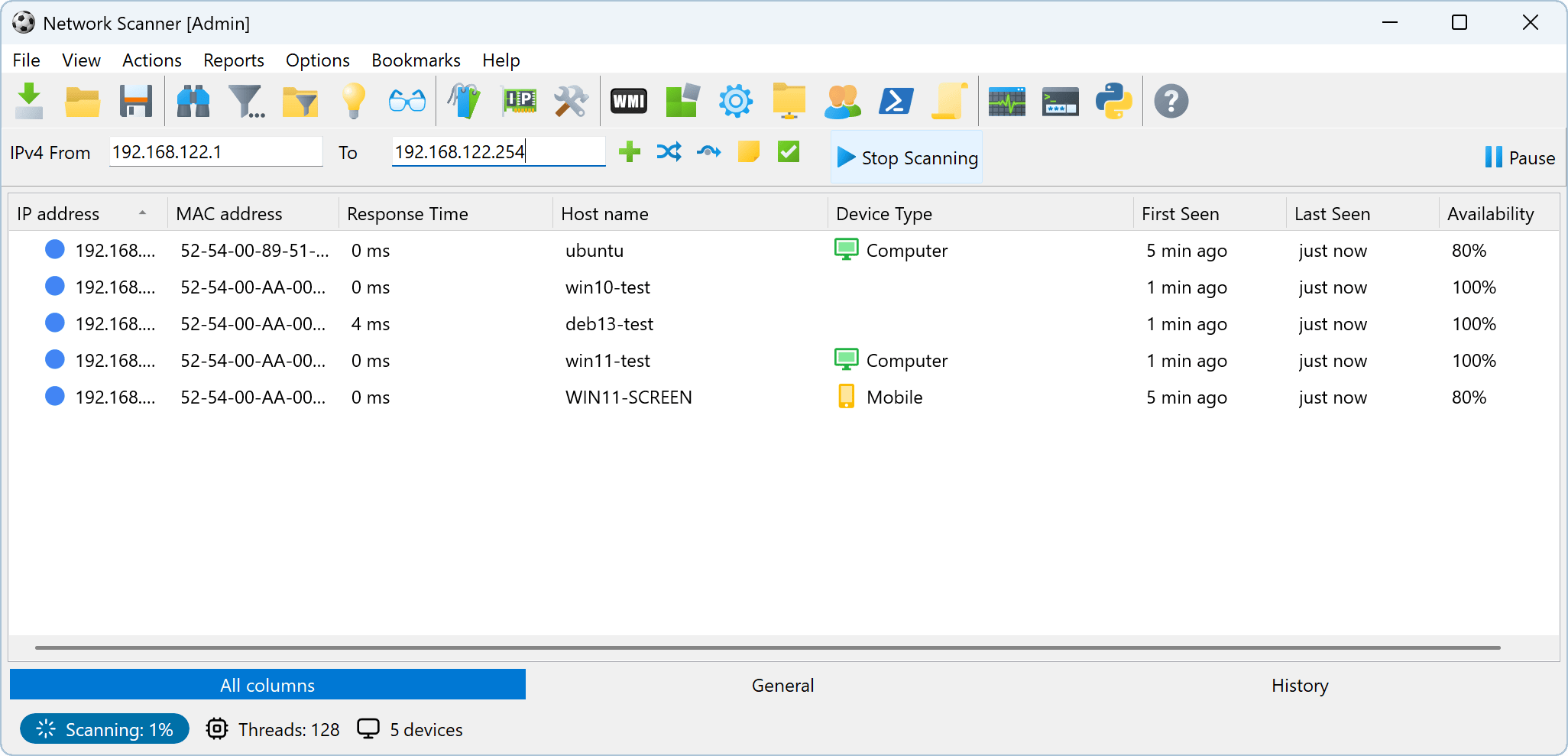
- Can the column group headers row (General / Associated Data / Ports, just below the IPv4 range input row) be hidden? I've checked the View menu, the View tab in Options and the column header right-click menu but couldn't find a setting for it.
- Can the group tabs along the bottom of the results (All columns / General / Associated Data / Ports) be hidden, or moved somewhere else, maybe into a menu?
Thanks in advance, and thanks for a great tool.
Thanks Paolo, glad the Friendly Names are earning their keep.
To answer both questions: no, at the moment neither the column group header row nor the group tabs at the bottom can be hidden or moved.
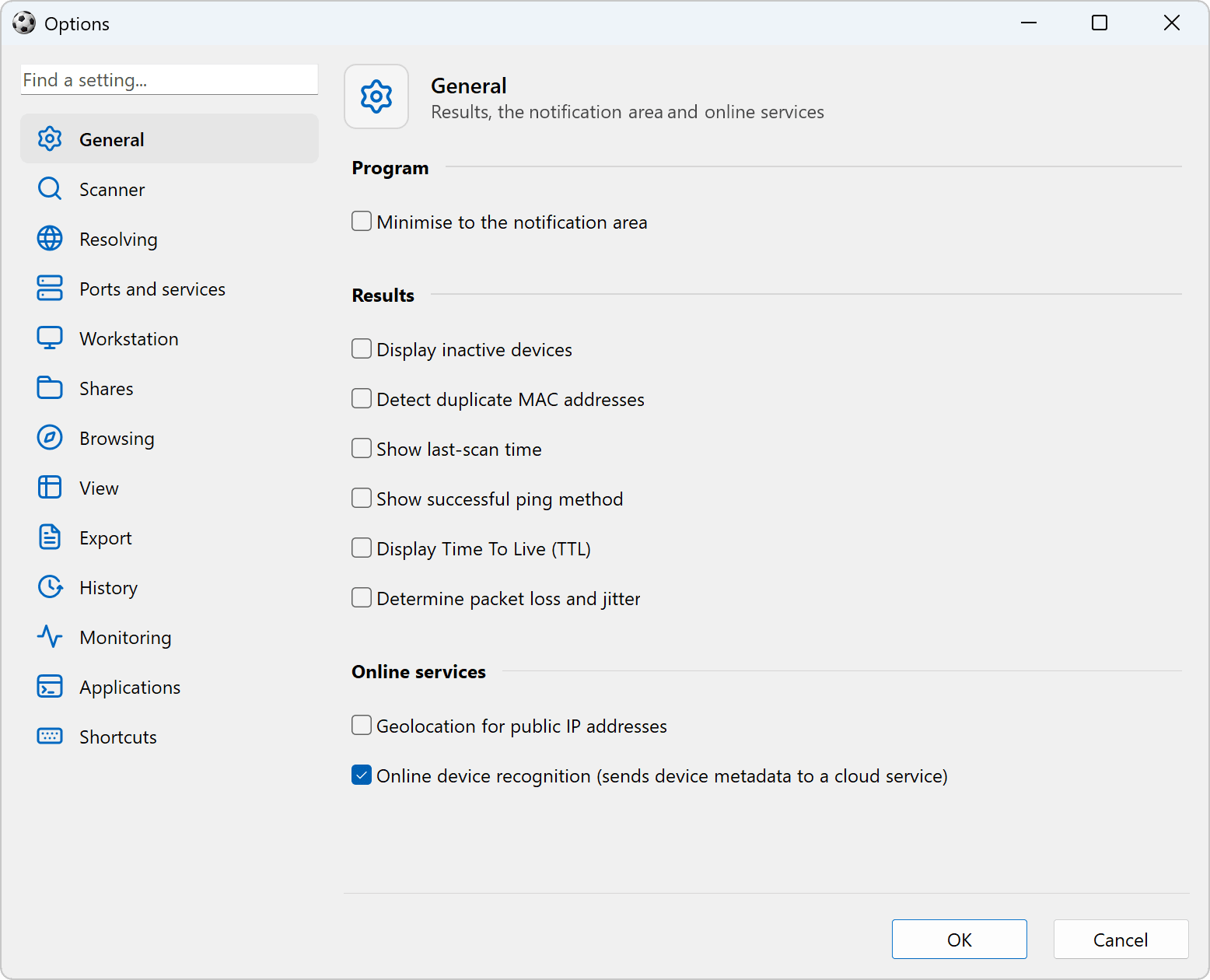
The good news is that we are in the middle of a major overhaul of Network Scanner, and the results window is part of it. Below are two screenshots of the new version: the main window with its new status bar, and the reworked Options window.
Under the hood every probe now runs asynchronously, so a scan that used to take 20-30 seconds finishes in 3-5.
We will add a setting for each of them in the new version, so the group header row and the group tabs can be turned off separately.