RAM File System for Windows and macOS
The next generation of RAM disk technology
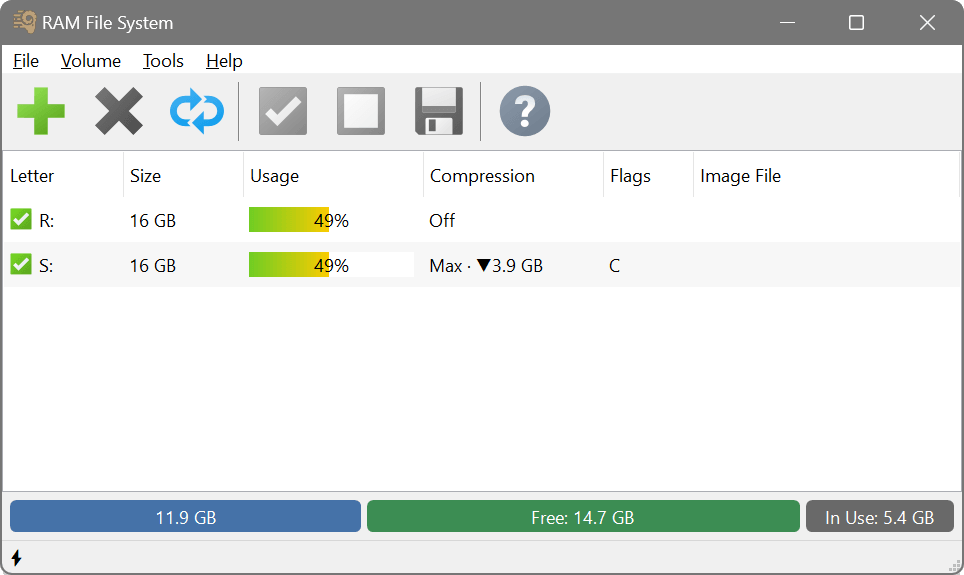
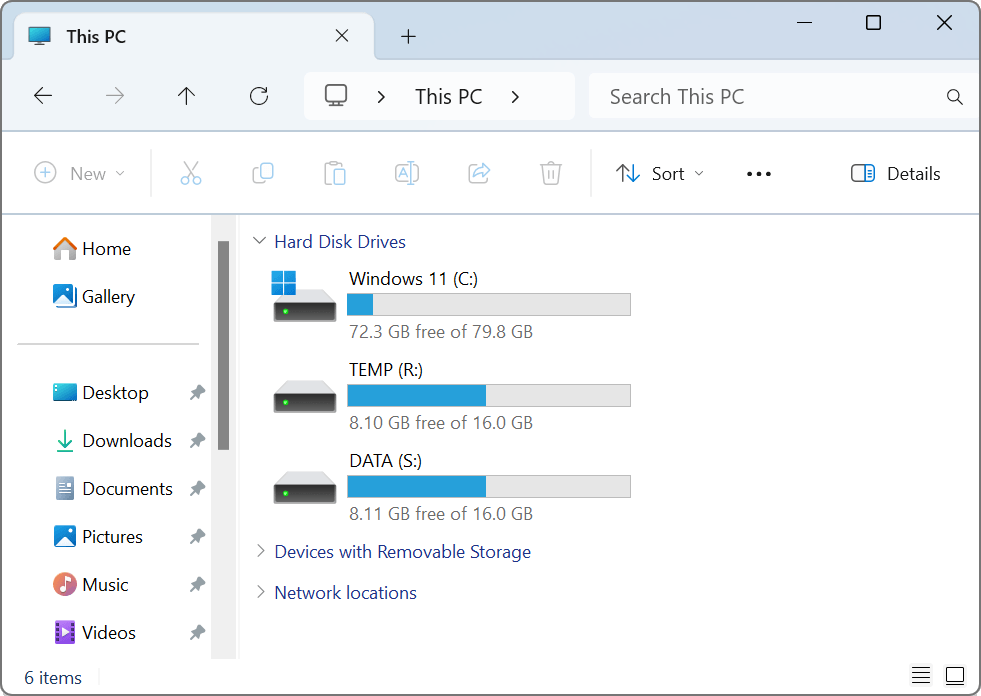
 SoftPerfect RAM File System is a high-performance storage solution that keeps files entirely in the computer memory. It goes a step further than a traditional RAM disk. Instead of creating a virtual block device and formatting it with NTFS or exFAT, RAM FS is a real file system that lives directly in RAM. This removes a whole layer of overhead, so it is faster than any physical SSD and conventional RAM disks.
Conventional RAM disks present a block of memory as a virtual drive that Windows then formats with a standard file system, so every read and write has to travel through that file system and a block layer before it reaches the stored data. RAM FS is the file system itself, which means the data lives directly in memory with nothing in the way except a fast memory copy. In short, it is the RAM disk idea taken to the most efficient level.
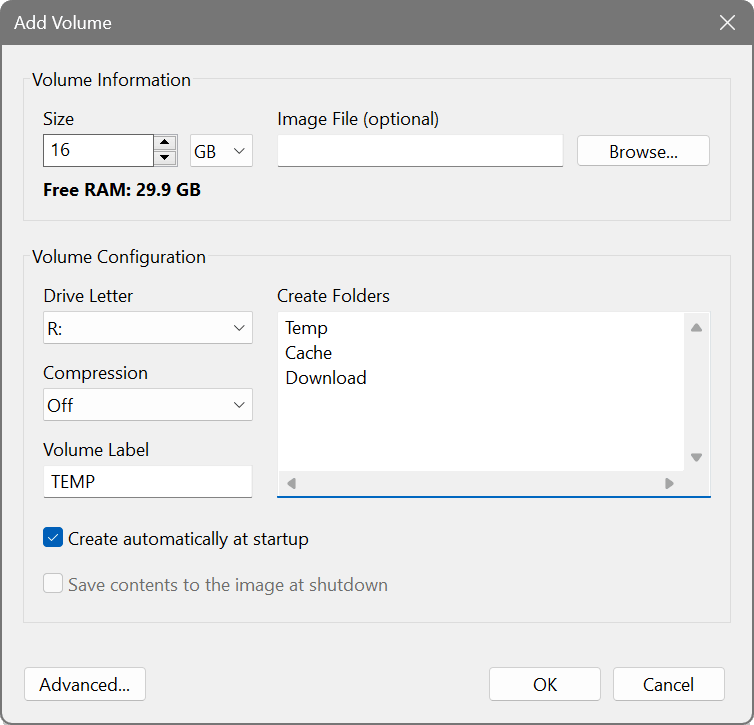
The most popular way of using an in-memory drive is to move temporary files onto it. Windows, web browsers and many other applications write temporary files all the time. When you redirect those files to a RAM FS volume, everything that uses them runs faster, your SSD is spared a great deal of writing, and the usual clutter of leftover temporary files never lands on your permanent drive. It is the simplest way to get more speed and a longer life out of the hardware you already have.
Key features
- True in-memory file system with no block-device, storage-stack, NTFS or exFAT overhead.
- Outstanding performance that surpasses physical SSDs and conventional RAM disks.
- Instant copying with reflinks duplicates multi-gigabyte files in a fraction of a second while using no additional memory.
- Transparent compression fits more data in the same amount of RAM.
- Persistence when you need it saves a volume to an image file, mounts it automatically at start-up, and saves it on a schedule. Smart sync writes only what changed, making saving operations quick and your SSD do less work.
- Folder mirroring runs an existing folder in memory under its own path, so the applications using it need no reconfiguration, and writes back to the disk only what has changed.
- Live resizing of a mounted volume with no need to dismount.
Five good reasons to use RAM FS
- Higher computer performance. Redirect Windows temporary files, web-browser caches and other temporary data to RAM FS. As memory is much faster than any drive, everything that relies on those folders speeds up.
- Longer life for your SSD. Temporary files go to memory instead of your solid-state drive. Fewer writes means less wear, which matters because SSDs have a limited number of write cycles.
- Less junk on your permanent drive. Many applications leave temporary files behind long after they were needed. A RAM FS volume is cleared every time you restart or shut down your computer, so that clutter never builds up on your real drive.
- Less fragmentation. Since temporary files never touch your permanent storage, its file system stays tidier over time.
- Better privacy. A RAM FS volume is a better place for sensitive temporary data as it is wiped completely when the computer is turned off or restarted.
Faster than an SSD, faster than a RAM disk
An SSD is fast, but it is still flash reached over a bus, so small operations wait on its latency. A RAM disk is faster because it lives in memory, yet it still dresses that memory up as a disk, running NTFS or exFAT and a block layer over it. RAM FS keeps the memory and eliminates the disk: no virtual block device, no file system on top — just a file system that already lives in RAM. Fewer layers to cross means less time per operation, which means higher performance.
Even more for power users, developers and creators
In addition to taking care of everyday temporary files, RAM FS is a perfect fit for more demanding work as well:
- Faster builds. Redirect compiler and linker output and intermediate build files to RAM FS to cut build times.
- An existing folder at memory speed. Point RAM FS at a source tree, cache or working folder and it runs entirely in RAM at the very same path, with the changes written back to the disk.
- High-performance databases. Keep temporary tables, indexes and test databases in memory.
- Continuous integration. Check out, build and test entirely in RAM for faster pipelines.
- Scratch space for creative work. Point video, photo and 3D applications to RAM FS for their scratch, cache and render files, so that heavy edits and exports are limited by your CPU and GPU, not your disk.
Screenshots
Latest version
26.9 (3 September 2026)
Changelog
Supported platforms
Intel, AMD and ARM64
Linux: in development
Licence
Try before you buy:
free fully-featured 30-day trial
Download
🌐 Multilingual package
Size: 7.8M
Size: 7.1M